With the release of TIFF Image Printer 12.0.025, users with a valid Subscription license can now download and install updates directly through the TIFF Image Printer Dashboard. This feature is not available for One-Time, Pre-Authorized Open or OEM Edition licenses.
When you start the dashboard and an update is available, a notification will appear at the top of the screen, and the last tile will be titled Update Available.
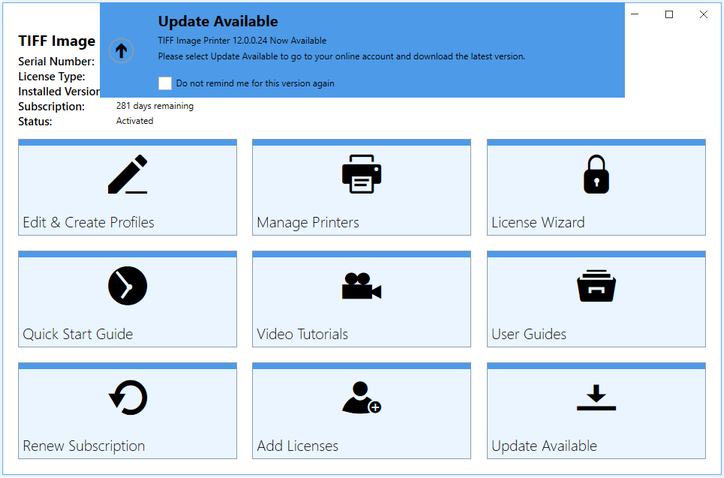
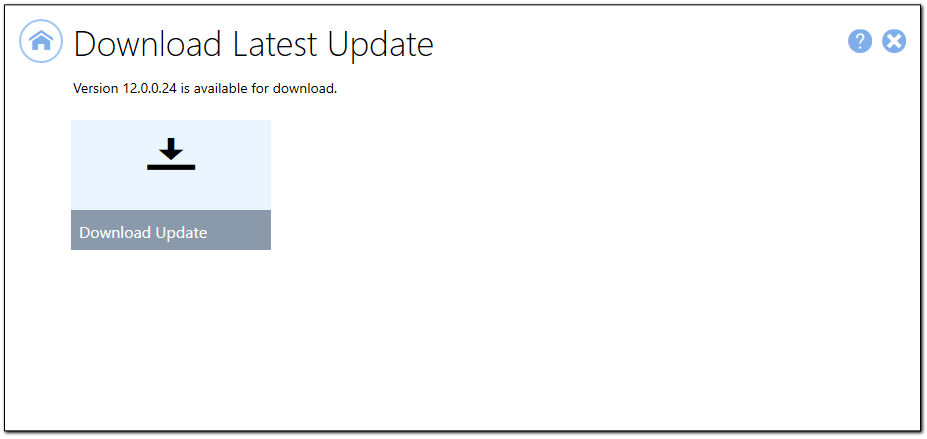
Click the Update Available tile. This takes you to the download screen where you can download the update.
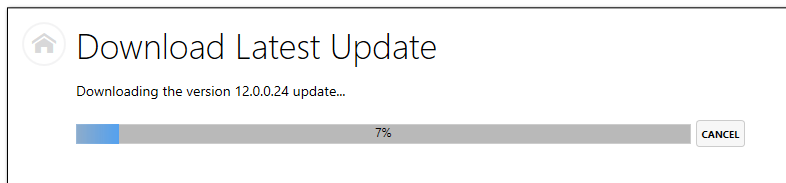
A progress bar will be shown while downloading.
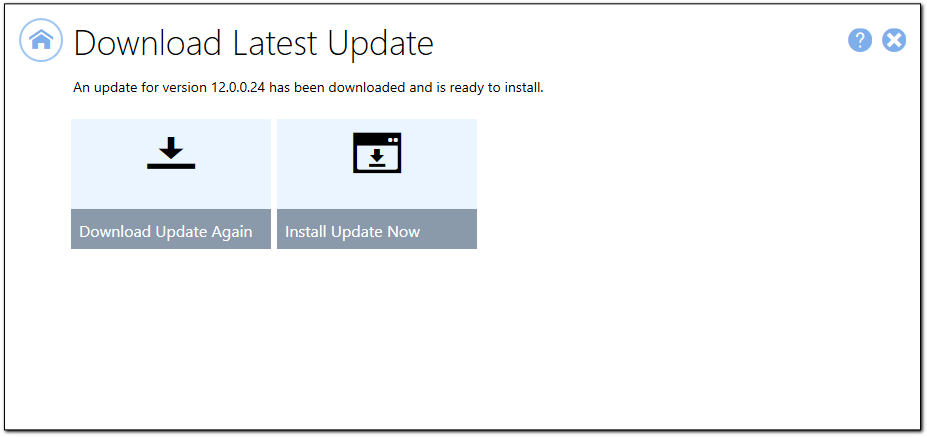
After downloading the update, click Install Update Now. This will close the dashboard and install the latest version. Close any other TIFF Image Printer applications you may be running, such as the Profile Manager or the Profile Editor, before starting the update.